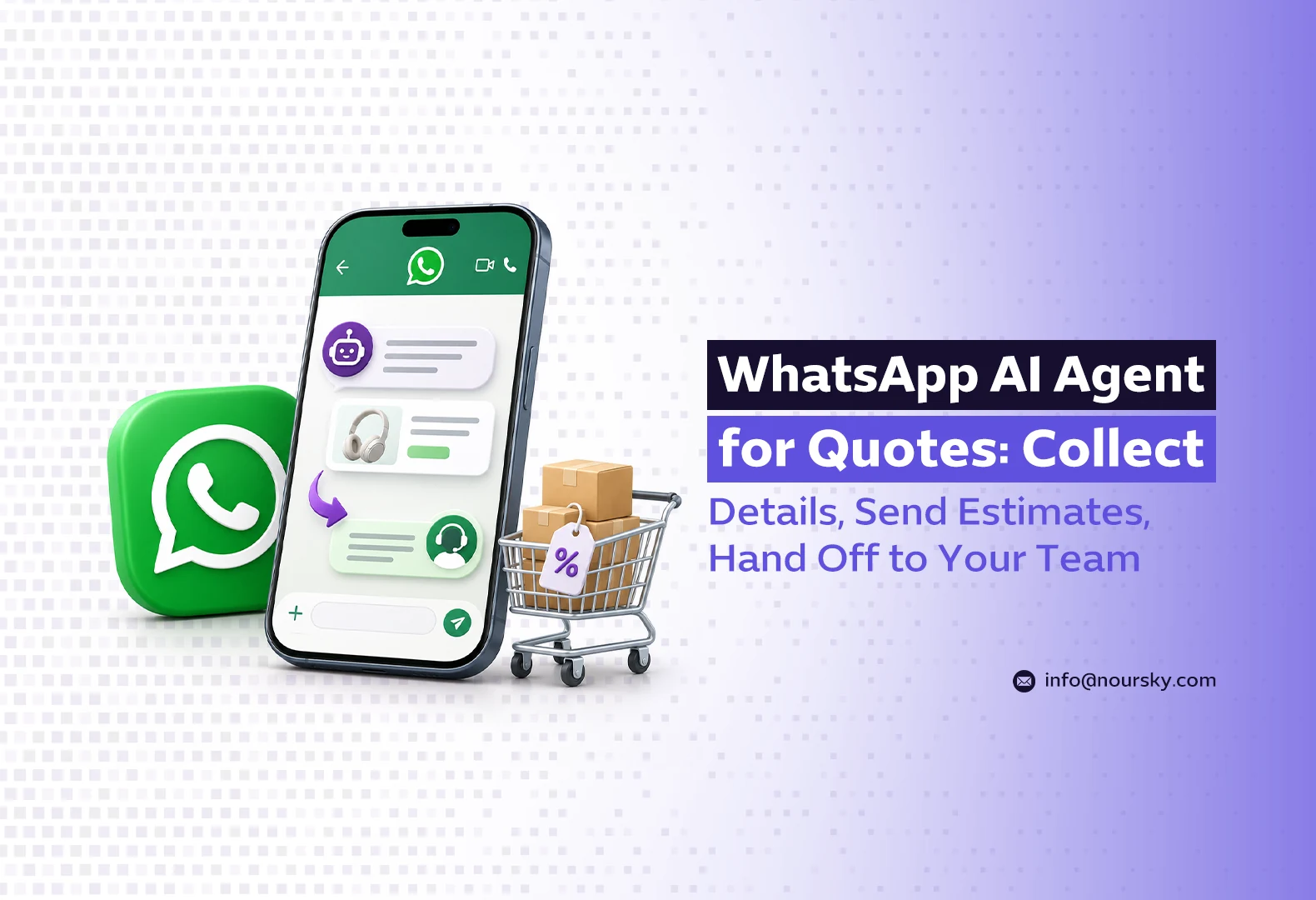
A WhatsApp AI agent for quotes asks the customer a short set of intake questions, looks up your own price rules, and replies with an estimate range that states its assumptions. Anything outside those rules, such as an unusual job, a large order, or an angry customer, goes to a person on your team with the full conversation attached, and every enquiry lands in your CRM as a record. The AI never decides prices: it reads the prices you have approved and stops when the rules run out.
This guide is for service businesses that get the same “how much?” message dozens of times a week: contractors, clinics, movers, training centres, event and maintenance companies. If you want this built and run for you, see the NourSky AI Employee.
Which workflow lets an AI collect details, quote quickly and escalate the hard cases?
The stable version of this workflow has five stages, and each one has a clear owner. The AI handles the first three for routine requests. Your team owns the exceptions.
- Intake. The agent asks only the questions that change the price: service type, size or quantity, location, and timing. Three to five questions, one at a time.
- Price lookup. The answers are matched against a price table you maintain. The agent can read the table but cannot edit it.
- Estimate message. The customer gets a range, the assumptions behind it, what is not included, and the next step (site visit, booking, or a call).
- Handoff. If a trigger fires (see the table below), the conversation is assigned to a named person with a one-paragraph summary.
- CRM record. Contact, answers, estimate sent, and status are saved, so the follow-up does not depend on someone remembering the chat.
For how the agent itself is connected to WhatsApp and what it takes to run day to day, read AI Agent for WhatsApp Business: How It Works and What It Takes to Run. This article stays on the quoting and escalation logic.
What should the AI ask before it gives an estimate?
Write the intake list from your price sheet, not from a generic form. If a question does not move the number or the scheduling, cut it. WhatsApp’s own message formats help keep this short: an interactive reply-buttons message offers up to three fixed answers, according to Meta’s developer documentation, and an interactive list supports up to 10 sections with up to 10 rows across all of them. Buttons work well for “Residential / Commercial / Not sure”. Lists suit a service menu. Free text is for things like an address or a description of damage.
If the customer sends a photo or voice note the agent cannot interpret reliably, that is a handoff trigger, not a guess.
How do you stop the AI from inventing prices?
This is the question that decides whether the project survives the first month. Language models are good at sounding confident, so the controls have to sit outside the model.
- A read-only price table. Prices live in a table or sheet the agent queries. The prompt tells it to quote only figures returned by that lookup and to say “I need to check this with the team” when nothing matches. We cover the wording side of this in Prompt Design for Customer-Facing AI Agents.
- Ranges, not exact quotes. “Usually between X and Y for a two-bedroom flat” is honest at intake stage. An exact figure implies a commitment you have not made.
- Stated assumptions. Every estimate lists what it assumes (size, access, materials) and what would change it.
- An approval threshold. Above a value you set, or for any discount request, the agent drafts the estimate and a person approves it before it is sent.
- No discount authority. The agent never offers or agrees to a discount. It passes the request on.
| Situation | What the agent does | Who acts next |
|---|---|---|
| Standard request, all answers match the price table | Sends the estimate range with assumptions | Agent books the next step |
| Value above your approval threshold | Drafts the estimate, tells the customer it is being confirmed | Sales lead approves or edits |
| Service or size not in the table | Says it will check, collects details | Estimator replies |
| Discount, payment terms, or contract questions | Acknowledges, does not answer | Owner or account manager |
| Complaint, urgency, or the customer asks for a person | Hands off immediately with a summary | Duty team member |
What does a good quote conversation look like?
Customer: Hi, how much for deep cleaning a villa?
Agent: Hi! Happy to give you an estimate. Is it furnished or empty?
Customer: Furnished, we’re moving in next week.
Agent: Got it. How many bedrooms, and which district is it in?
Customer: 5 bedrooms, Al Yasmin.
Agent: For a furnished 5-bedroom villa, deep cleaning is usually between SAR [min] and SAR [max]. That assumes standard access and no post-construction dust. A supervisor confirms the final price after a quick video call or visit. Would you like to book that for tomorrow or the day after?
Customer: Can you do it cheaper if I book two cleans?
Agent: That’s a question for our team, so I’ve passed it to Sara with your details. She’ll reply here today during working hours.
Notice what the agent did not do: it did not make up a bundle discount, and it did not hide the handoff. The [min] and [max] figures are filled from the price table at the moment of the reply, so the prompt itself never contains a number.
When should the AI hand off to your team?
Handoff is not only good service. It is a platform rule. Meta’s WhatsApp Business Messaging Policy allows automation but requires a route to people:
“You may use automation when responding during the 24-hour window, but must also have available prompt, clear, and direct escalation paths.”
The policy lists accepted paths, including an in-chat transfer to a human agent, a phone number, email, a web support form, or an in-store visit. For quotes, the in-chat transfer works best because the person sees the intake answers. Set triggers on business rules (value, missing price, discount, complaint) rather than on the model’s own feeling that it is unsure, and give each trigger a named owner and working hours, so the customer is told honestly when to expect a reply.
What WhatsApp rules affect sending estimates?
Three rules shape the follow-up side of a quoting agent.
The 24-hour customer service window
When a customer messages you, a 24-hour customer service window opens. Inside it you can send normal replies, including interactive messages. According to Meta’s Cloud API guide, once the window closes “you can only send pre-approved template messages.” So an estimate sent two days later, or a “did you have any questions about the quote?” nudge, has to be an approved template.
Per-message pricing
Meta moved the WhatsApp Business Platform to per-message pricing effective July 1, 2025, charged by template category (marketing, utility, authentication) and country. The same page says Meta resumed charging on October 1, 2026 for service messages and for utility templates sent inside an open window, with a free tier of 1,000 service messages per business phone number per month. Check the current rate card for your market before you estimate running costs, because a chatty intake flow sends more messages than a single reply.
Rules for AI providers
Meta’s Terms for WhatsApp Business Platform (last updated September 23, 2026) bar providers of AI technologies such as general-purpose assistants from using the platform when the AI is “the primary (rather than incidental or ancillary) functionality.” A quoting agent that serves your own customers about your own services is a business use of AI, not a general chatbot, but keep it on topic: an agent that happily answers anything is harder to defend and more likely to drift off your prices.
What should you test before going live?
- Every row of the price table. Ask for each service and size and check the range matches the sheet exactly.
- Gaps. Ask for a service you do not offer and a size outside the table. The correct answer is a handoff, not an estimate.
- Pressure. Push for a discount, a “final price now”, and a competitor’s quote. The agent should hold.
- Language and dialect. Test in the Arabic and English your customers actually write, including mixed messages. See Arabic Dialects and AI Agents for what usually breaks.
- Handoff end to end. Confirm the person is notified, sees the summary, and can reply in the same chat.
- CRM record. Check that the estimate, the assumptions, and the status are saved on the contact.
- After-hours behaviour. The agent should say when a person will reply, not promise “right away”.
When we set up a quoting agent we start with the price sheet and the handoff owners, and only then write the conversation. If those two are unclear, no prompt fixes it.
When is a simple form enough?
Not every business needs an AI agent for this. A form or a WhatsApp quick reply with a link is enough when:
- You get a handful of quote requests a week and someone replies within working hours.
- Every job is custom and needs a site visit before any number is mentioned.
- Your price list changes faster than anyone will update a table.
An agent pays off when the volume is high, most requests fall into priced categories, and customers write outside office hours. If you are not sure where you stand, the lost leads calculator gives a rough picture of what slow replies cost you, and our clinic front-desk article shows the same intake-to-CRM pattern applied to bookings.
See a quoting agent work on your own price list
NourSky builds WhatsApp AI agents that collect the details, quote only from the prices you approve, and hand serious enquiries to your team with the context attached.
Frequently asked questions
Can a WhatsApp AI agent send exact quotes?
It can, if your prices are fixed and fully covered by a table. For most service businesses a range with stated assumptions is safer, with a person approving anything above a set value or outside the table.
Can the agent send the estimate days after the customer’s last message?
Only as an approved template message. Once the 24-hour customer service window has closed, WhatsApp allows businesses to send pre-approved templates only, and those are charged by category.
Does the customer have to know they are talking to an AI?
WhatsApp’s policy requires a clear route to a person when you automate replies. Telling customers they are talking to an assistant, and showing them how to reach the team, avoids confusion when the handoff happens.