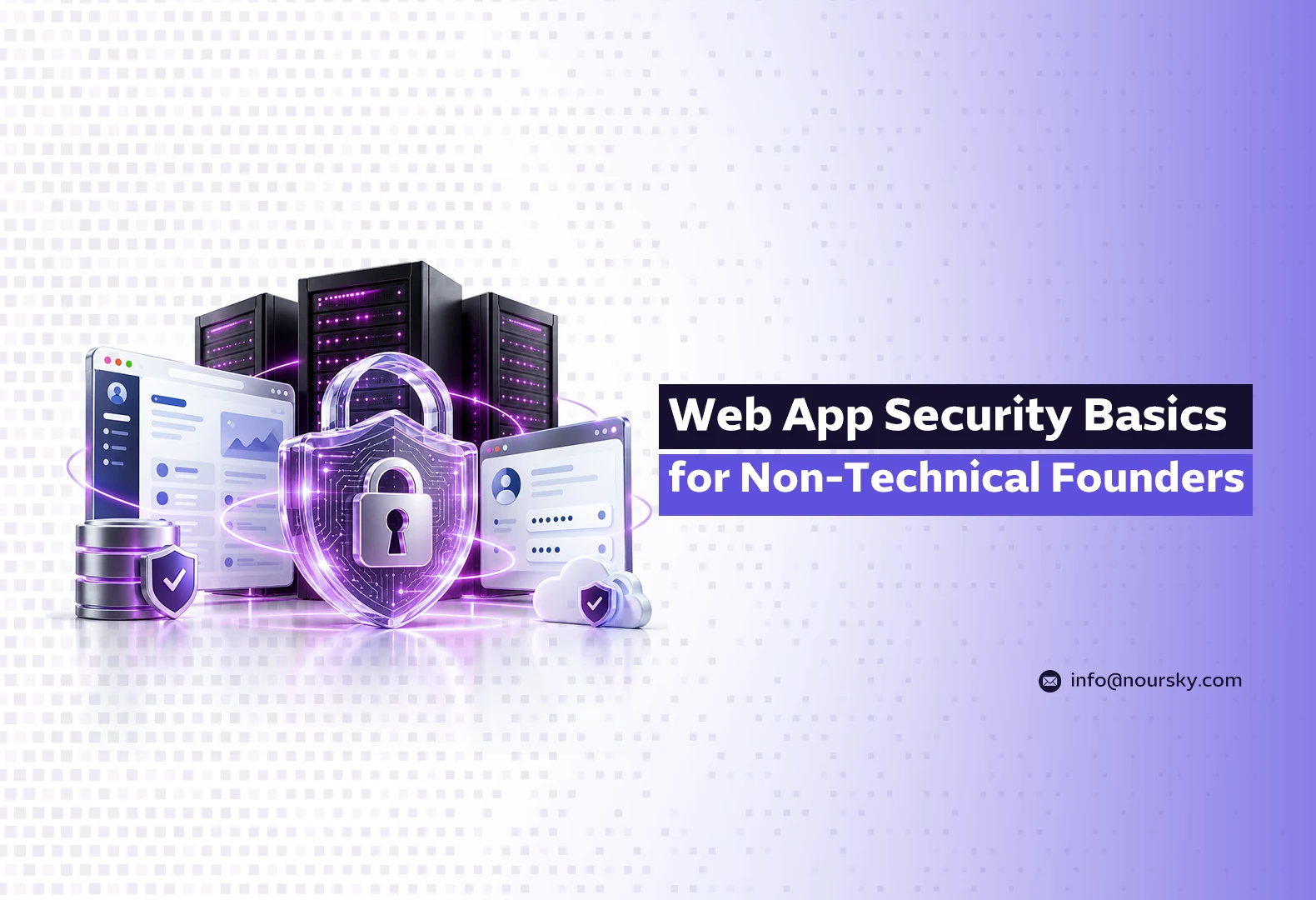
Web app security basics for a non-technical founder come down to five controls you can verify without reading code: every user sees only what they’re allowed to see (access control), logins are hard to steal (multi-factor authentication), software is patched and dependencies tracked, anything a visitor types is treated as data rather than code, and someone is alerted when something unusual happens. Most breaches exploit one of these gaps.
You don’t need to become a security engineer. You need to know which questions to ask, what a good answer sounds like and what to insist on before launch. This guide is written for founders and managers in Saudi Arabia, the UAE and the wider Gulf who are commissioning a custom web app. If you’re planning one now, see how NourSky approaches custom software development.
Why do web app security basics matter before launch?
Because breaches are expensive, and the Gulf pays more than most. IBM’s Cost of a Data Breach Report 2025 put the global average cost of a breach at USD 4.44 million, down 9% from USD 4.88 million the year before. IBM’s Middle East findings for the same year put the regional average at SAR 27.00 million (about USD 7.2 million at the 3.75 peg), down from SAR 32.80 million in 2024. The costliest regional sector was financial services, at SAR 34.00 million (about USD 9.07 million).
Verizon’s 2025 Data Breach Investigations Report, which analysed 12,195 confirmed breaches, found that:
- 22% of breaches began with credential abuse, and 20% with exploitation of a vulnerability.
- Third-party involvement in breaches doubled to 30%.
- Ransomware was present in 88% of breaches at small and medium-sized businesses.
The last point matters for startups: being small is not protection.
What are the most common web app risks, in plain English?
The OWASP Top 10 is the industry’s reference list of web application risks. The 2025 edition ranks them like this:
| # | OWASP 2025 category | What it means for you |
|---|---|---|
| A01 | Broken Access Control | A user can see or change another customer’s data by editing a URL or request |
| A02 | Security Misconfiguration | Default passwords, open admin panels, debug mode left on |
| A03 | Software Supply Chain Failures | A library or service your app depends on is compromised or outdated |
| A04 | Cryptographic Failures | Sensitive data stored or sent without proper encryption |
| A05 | Injection | Text a visitor types is run as code or a database command |
| A06 | Insecure Design | The flaw is in how the feature was designed, not how it was coded |
| A07 | Authentication Failures | Weak logins, no MFA, sessions that never expire |
| A08 | Software or Data Integrity Failures | Updates or data accepted without checking they’re genuine |
| A09 | Security Logging & Alerting Failures | Nobody notices an attack while it’s happening |
| A10 | Mishandling of Exceptional Conditions | Errors that leak information or leave the app in an unsafe state |
Broken access control sits at number one. According to OWASP, on average 3.73% of applications tested had one or more of the 40 weaknesses in that category.
What does an injection bug look like in real life?
Here’s one from our own work. During the rebuild of noursky.com, the 404 page shows visitors the address they tried to reach. That address is controlled entirely by whoever types it. If the page inserts it as markup (innerHTML), an attacker can craft a link whose “address” contains a script, send it to someone, and run code in the victim’s browser on our domain. That’s a reflected cross-site scripting (XSS) vulnerability.
The fix is one line: print the path as plain text (textContent), never as markup. It’s now a documented rule in our build handbook. The lesson for founders: the most dangerous bugs are often in the least important-looking pages, and the fix is usually cheap once someone knows to look.
What questions should you ask your developers?
- “How do you make sure a user can only access their own records?” Good answer: every request is checked on the server against the logged-in user’s permissions, and there are tests for it. Bad answer: “the button is hidden.”
- “Is multi-factor authentication available, and is it enforced for admins?” Admin accounts without MFA are the easiest way in.
- “How do you track and update third-party libraries?” Good answer: automated dependency scanning with a defined patch window.
- “Where are secrets stored?” API keys and passwords belong in a secrets manager or protected environment variables, never in the code repository.
- “Is data encrypted in transit and at rest?” HTTPS everywhere, plus encryption for databases and backups.
- “What gets logged, and who gets alerted?” Failed logins, permission errors and admin actions should be logged, and someone should receive alerts.
- “How are backups tested?” A backup that has never been restored is a hope, not a backup.
- “Who else has access to production?” Every contractor, agency and SaaS tool with access is part of your attack surface.
As Chris Novak, VP of Global Cybersecurity Solutions at Verizon Business, put it when the 2025 DBIR was released: “Businesses need to invest in robust security measures, including strong password policies, timely patching of vulnerabilities, and comprehensive security awareness training.”
What does the law require if something goes wrong?
In Saudi Arabia, SDAIA’s personal data breach guidance, published in 2024, requires controllers to notify the authority “within 72 hours of becoming aware of such breach,” according to Baker McKenzie’s summary of the guidance. That means your app needs logs good enough to tell you what happened, and a named person who knows the procedure. Businesses in the UAE and elsewhere in the Gulf have their own frameworks and should check them.
This section is general information, not legal advice. Consult SDAIA’s official guidance and a qualified adviser for your specific obligations.
What’s the minimum security checklist before launch?
| Area | Minimum before go-live |
|---|---|
| Access control | Server-side permission checks on every endpoint; tests that try to access another user’s data |
| Authentication | MFA for admins; rate limiting on login; sessions expire |
| Input handling | All user input treated as data: parameterised queries, output encoding, no innerHTML with user data |
| Dependencies | Inventory of libraries; automated alerts for known vulnerabilities |
| Configuration | No default credentials; debug off; admin panels not publicly exposed |
| Data | HTTPS everywhere; encrypted database and backups; collect only what you need |
| Monitoring | Logs for logins, permission errors and admin actions; alerts to a real person |
| Recovery | Tested backup restore; written incident procedure with the 72-hour clock in mind |
If your developers can show you evidence for each row, not just say “yes”, you’re ahead of most launches.
Security also shapes budget and timeline. For how scope drives cost, read How Much Does a Custom Web App Cost? A Scope-Based Breakdown.
Building a web app? Start with the questions above
NourSky builds custom web apps for businesses in Saudi Arabia, the UAE and the Gulf, with access control, dependency tracking and logging planned from the first sprint, not added after launch. Bring your idea or your existing app and we’ll walk through the checklist with you.
FAQ
Can I judge my app’s security without technical knowledge?
Partly. You can’t audit code, but you can ask the eight questions above and request evidence: test results, a dependency report, a restored backup. For high-risk apps, add an independent penetration test before launch.
Is a website builder or no-code tool more secure than custom code?
Not automatically. The platform handles some layers, but access rules, integrations and configuration remain your responsibility, and third-party plugins add supply-chain risk.
What is the single most important security control?
There’s no single control, but OWASP ranks broken access control as the top risk in 2025, and Verizon found credential abuse was the initial access vector in 22% of breaches. Server-side permission checks and MFA address both.